PREVENTIVE MAINTENANCE
Plans that raise their own work orders
Set a schedule once. Every hour, plans that fall due raise their work order automatically.
 A SYPHERTEC PRODUCT
ToolSync brings equipment records, maintenance work orders, spare-parts stock and downtime reporting into one workspace — for the teams who keep machines running.
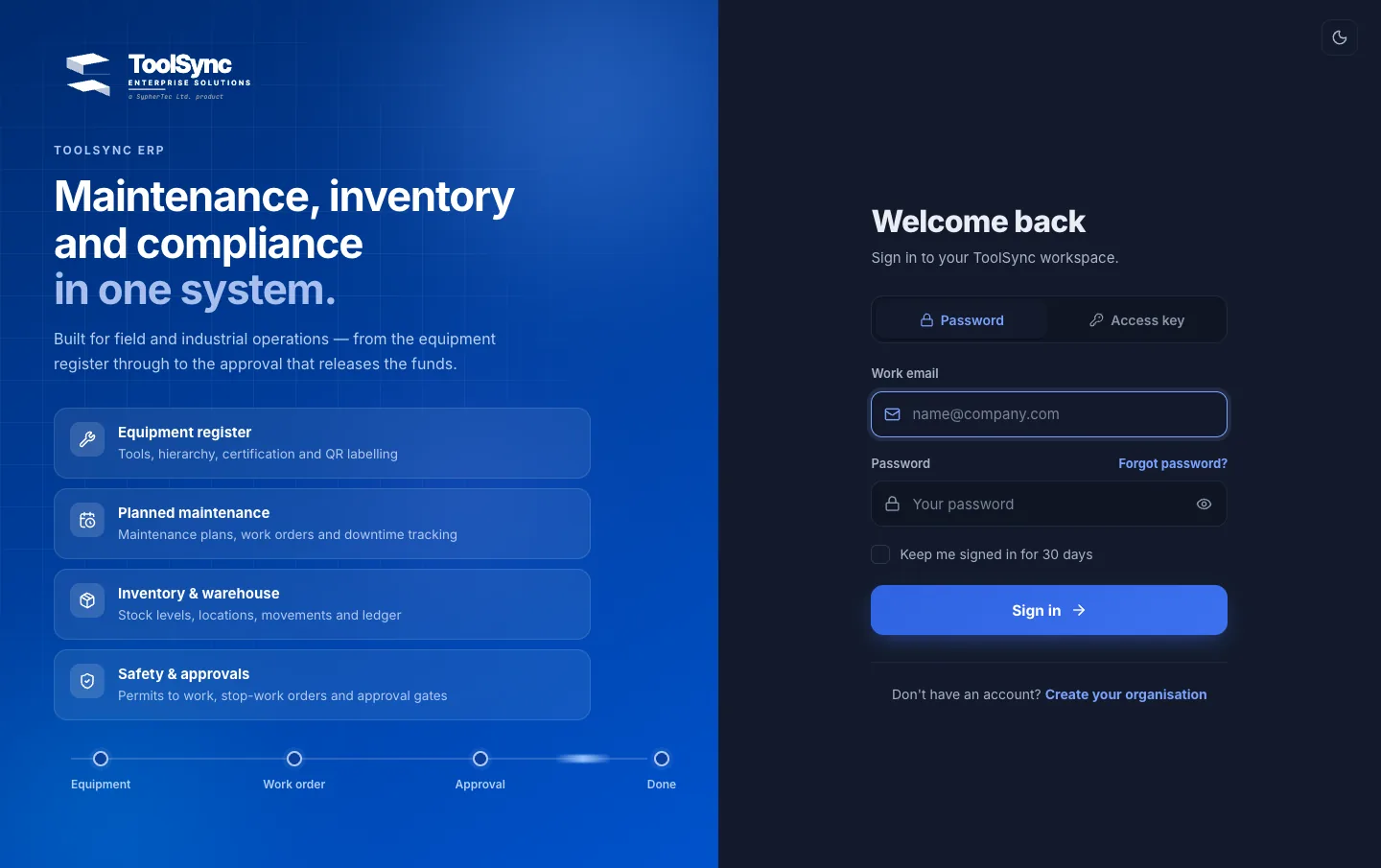
Real ToolSync screens · demo workspace · sample data



Scroll to follow a real maintenance job in ToolSync — from finding a machine in the register to reviewing the whole fleet once the work is done.
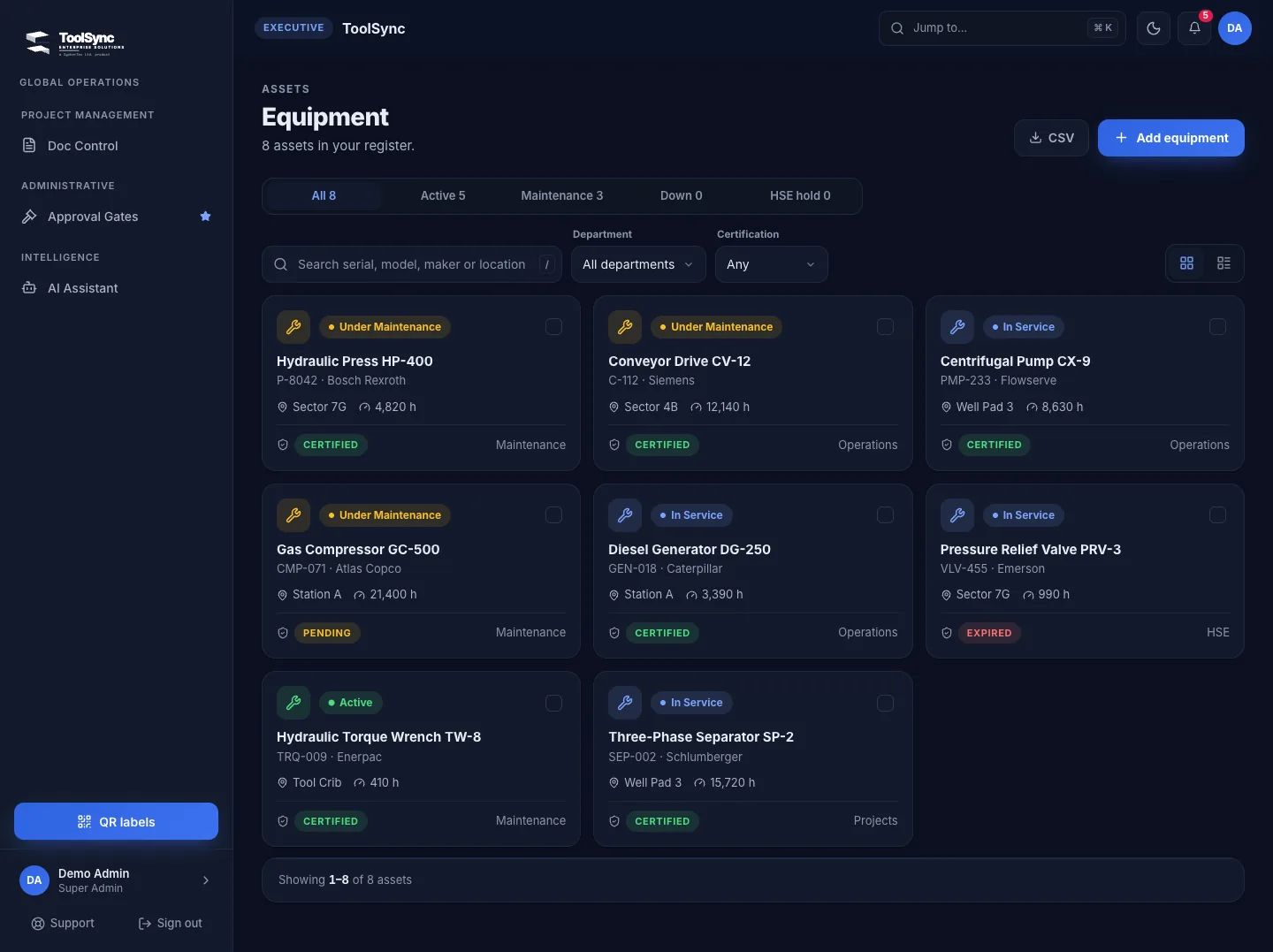
Every tool and machine in one register, filtered by status, with certification, location and running hours on the card.
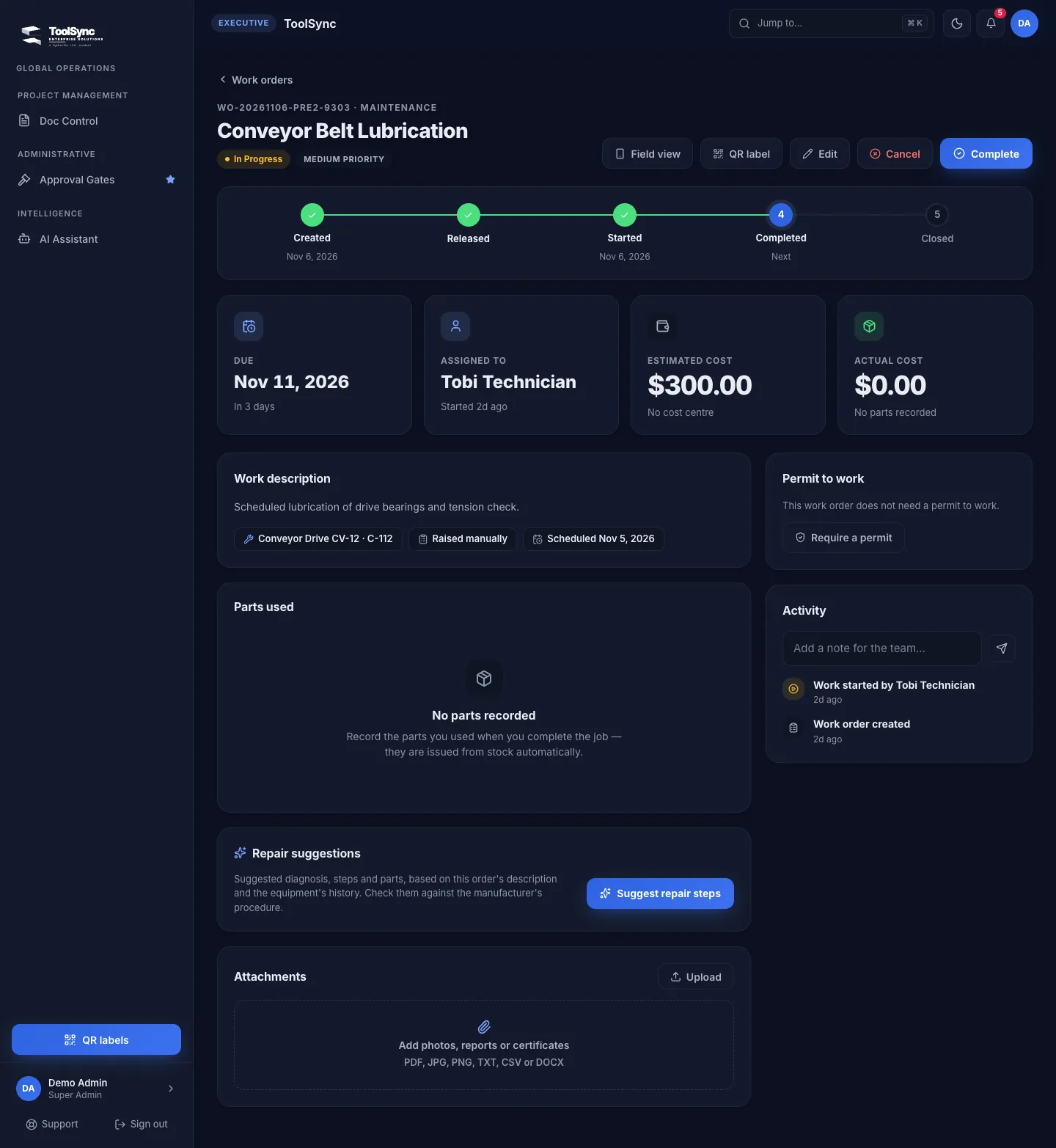
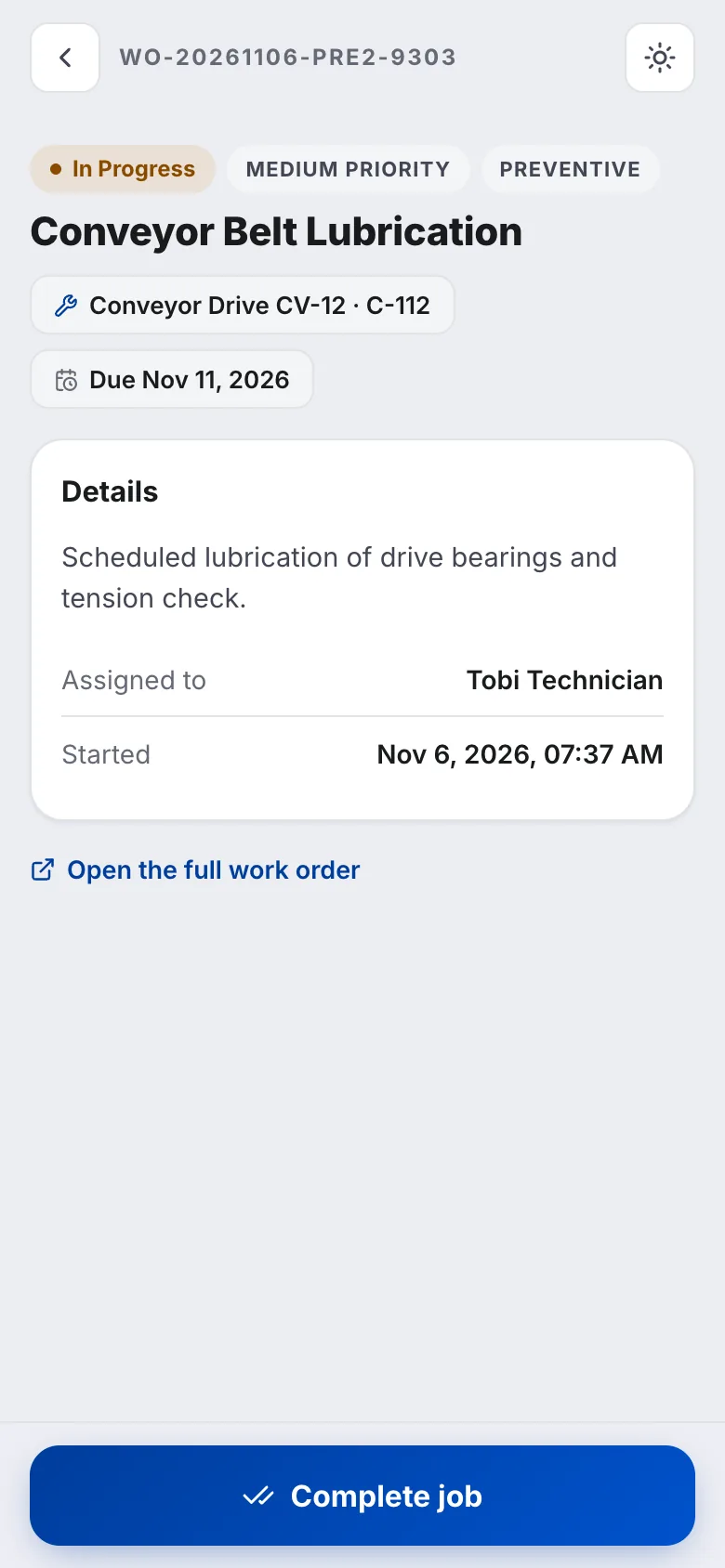
Every work order has a field view built for a phone: the job, its equipment, the due date and one button to complete it. The office sees the result the moment the technician taps.
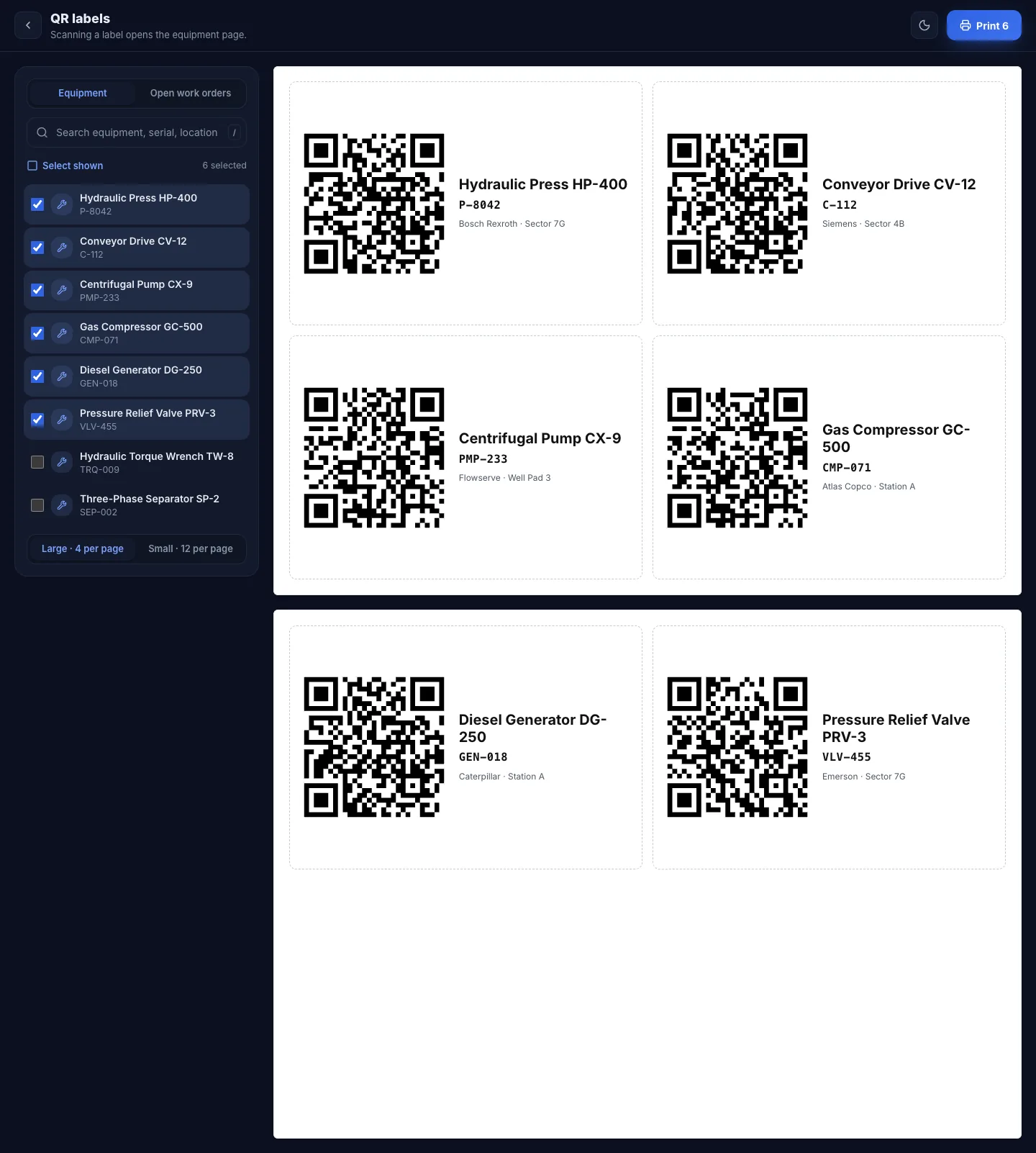
Print a sheet of labels for any equipment you choose. Scanning a label opens that machine's record — history, open work and certification — on whatever phone is to hand.
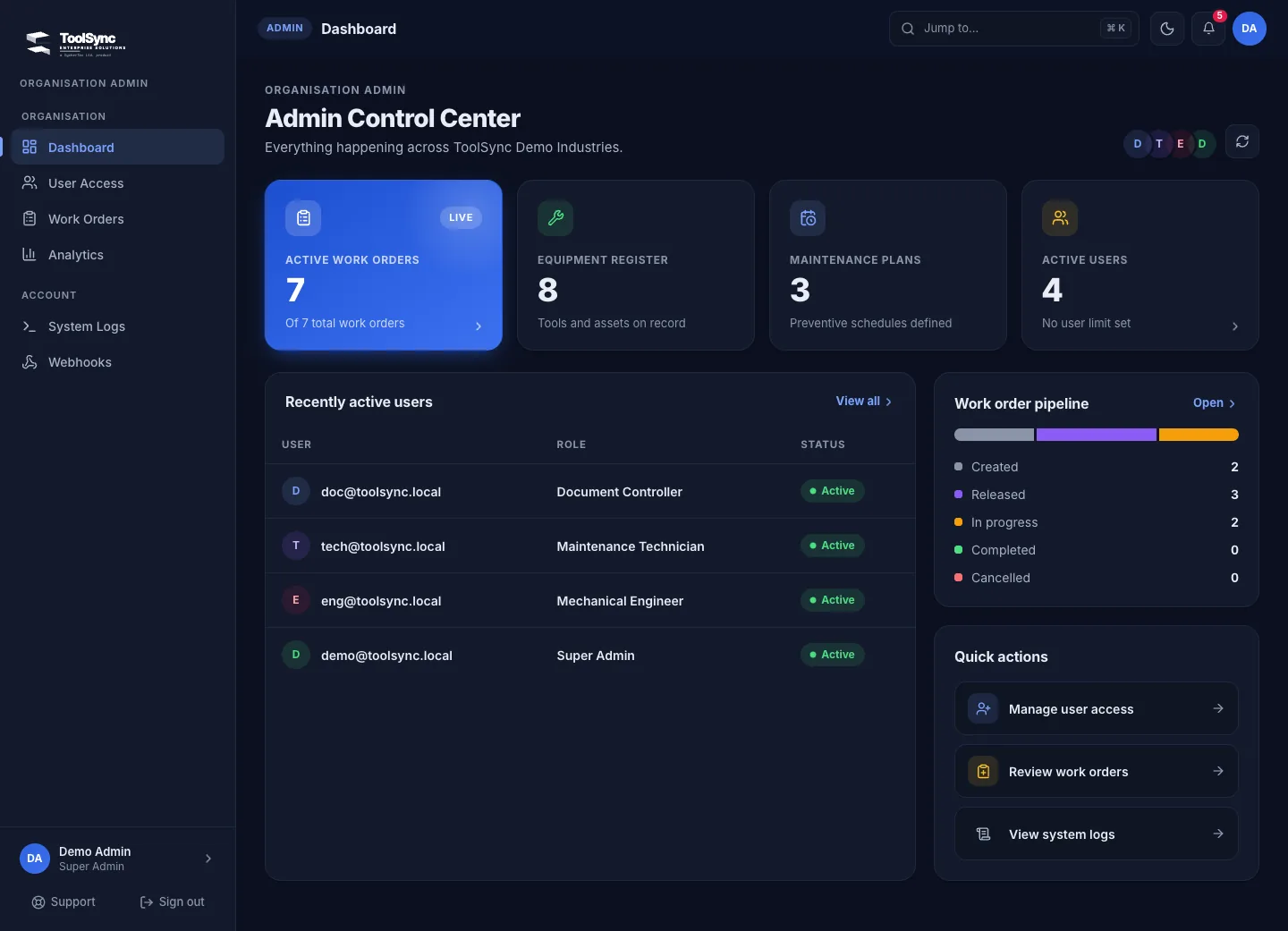
Active work, the equipment register, plans and people at a glance — plus the work order pipeline from created to closed.
Plans, safety, approvals, documents and downtime live beside the work orders they affect — not in another spreadsheet.
Set a schedule once. Every hour, plans that fall due raise their work order automatically.
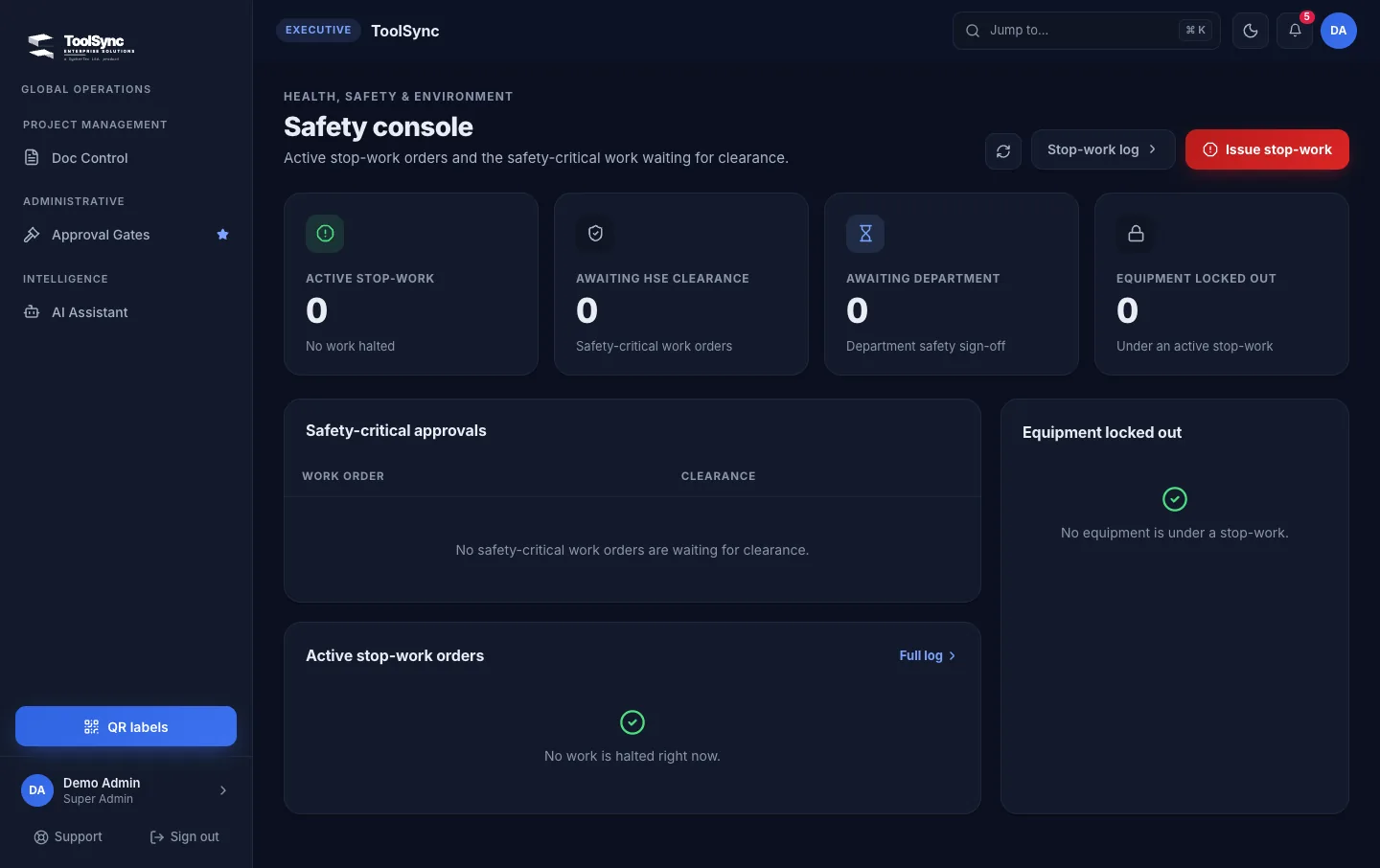
Issue stop-work orders, lock equipment out and clear safety-critical work before it starts.
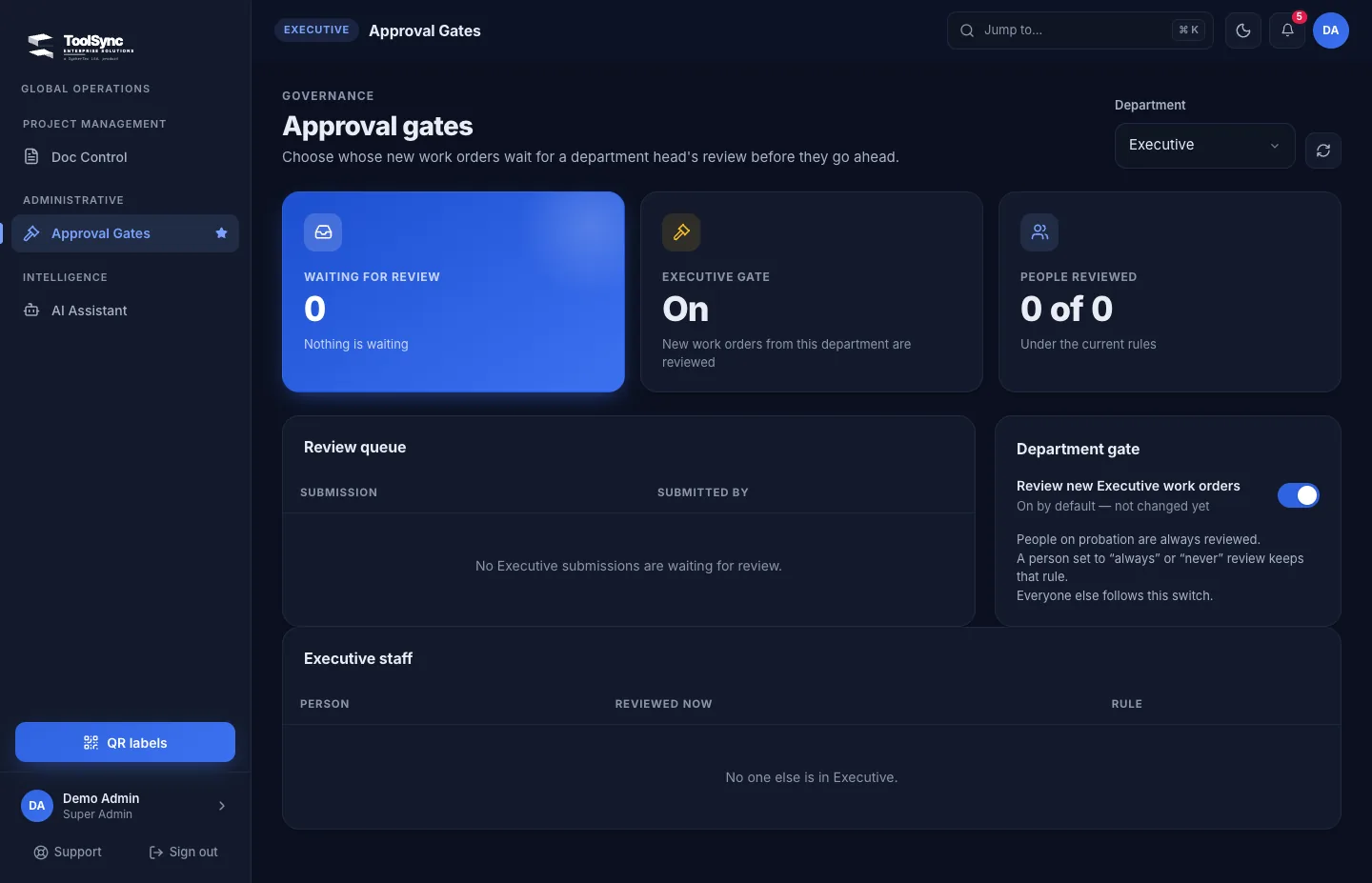
Choose whose new work orders wait for a department head's review before they go ahead.
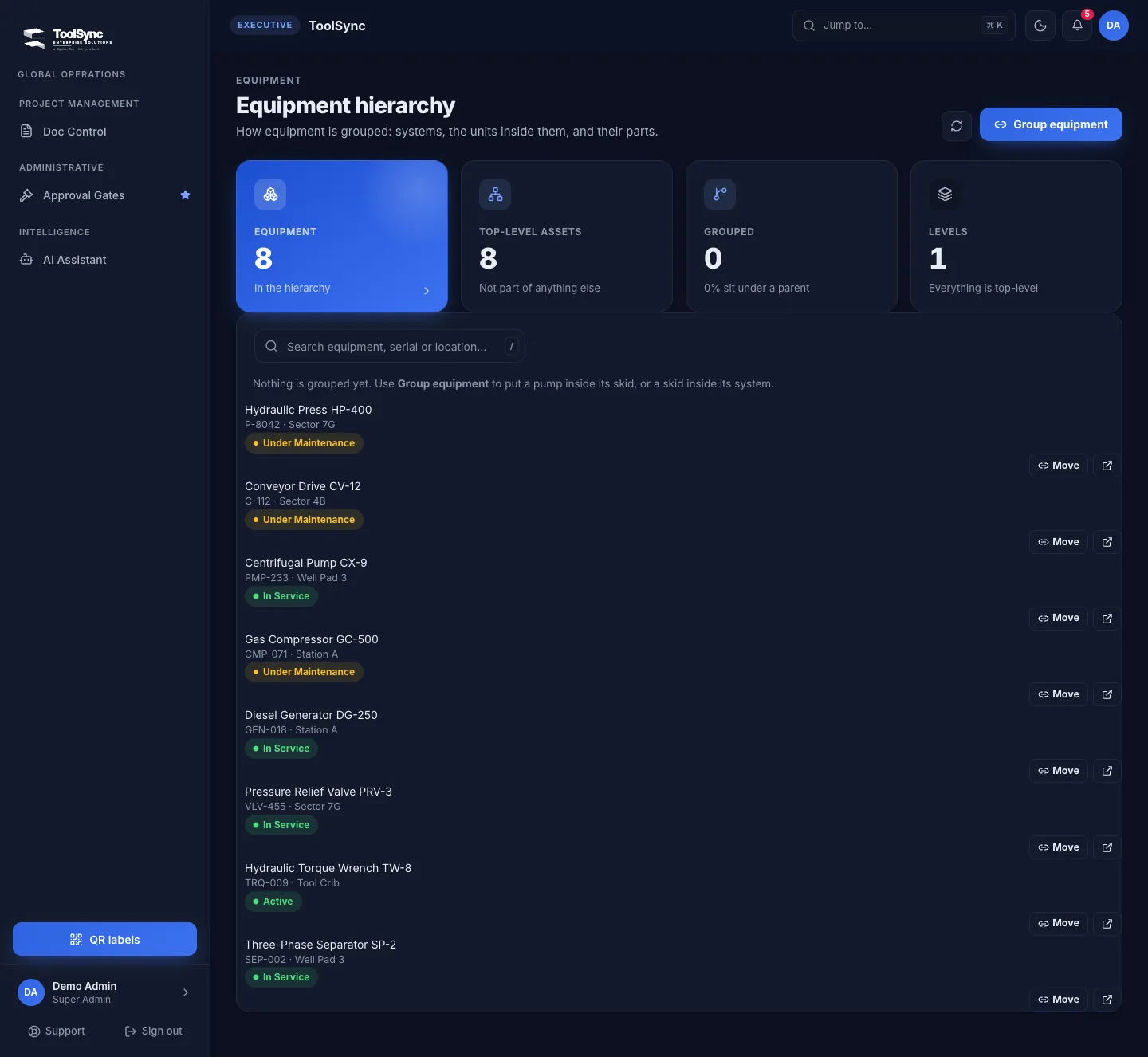
Group a pump inside its skid, and a skid inside its system.
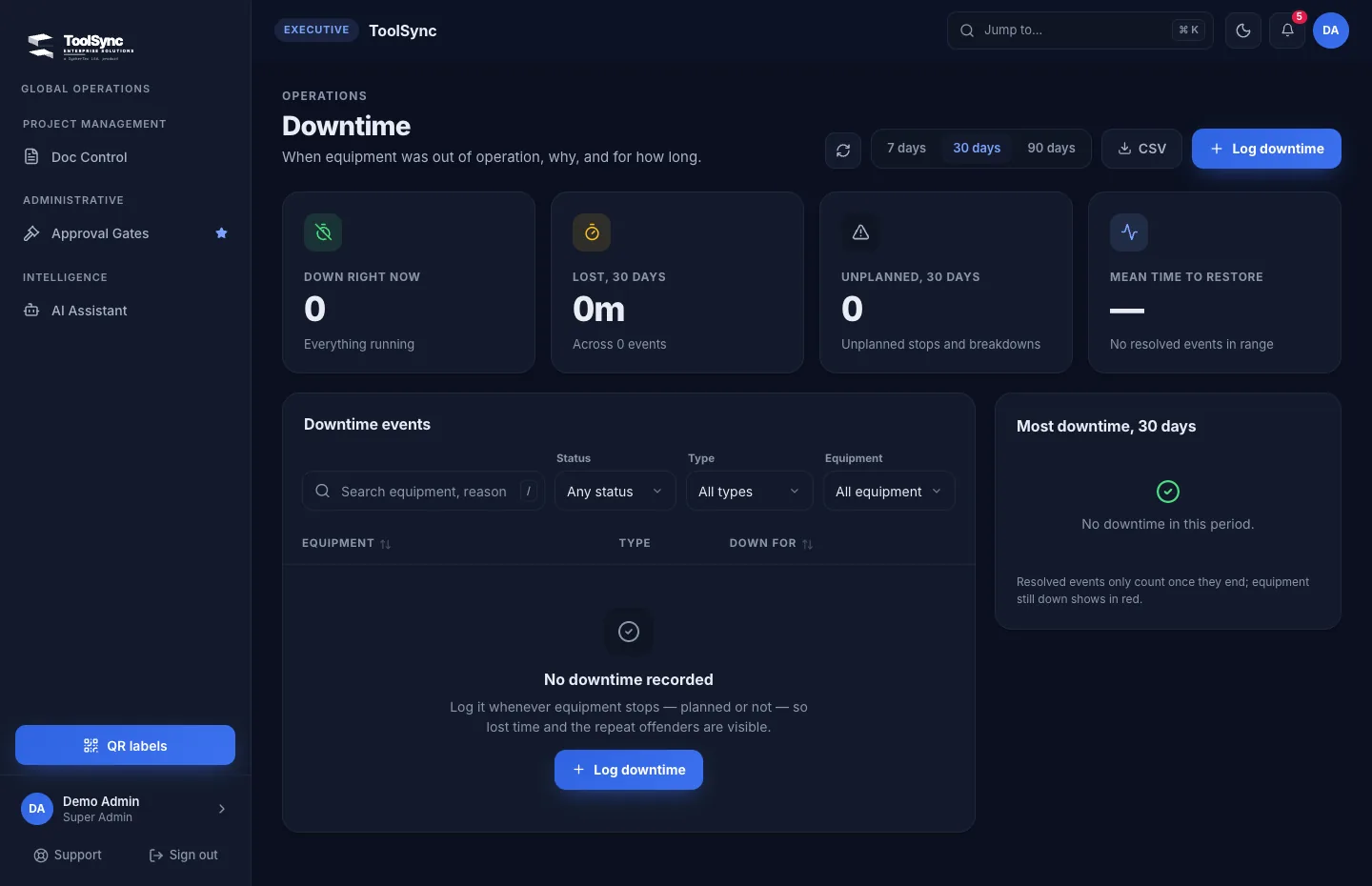
When equipment stopped, why and for how long — planned or not.
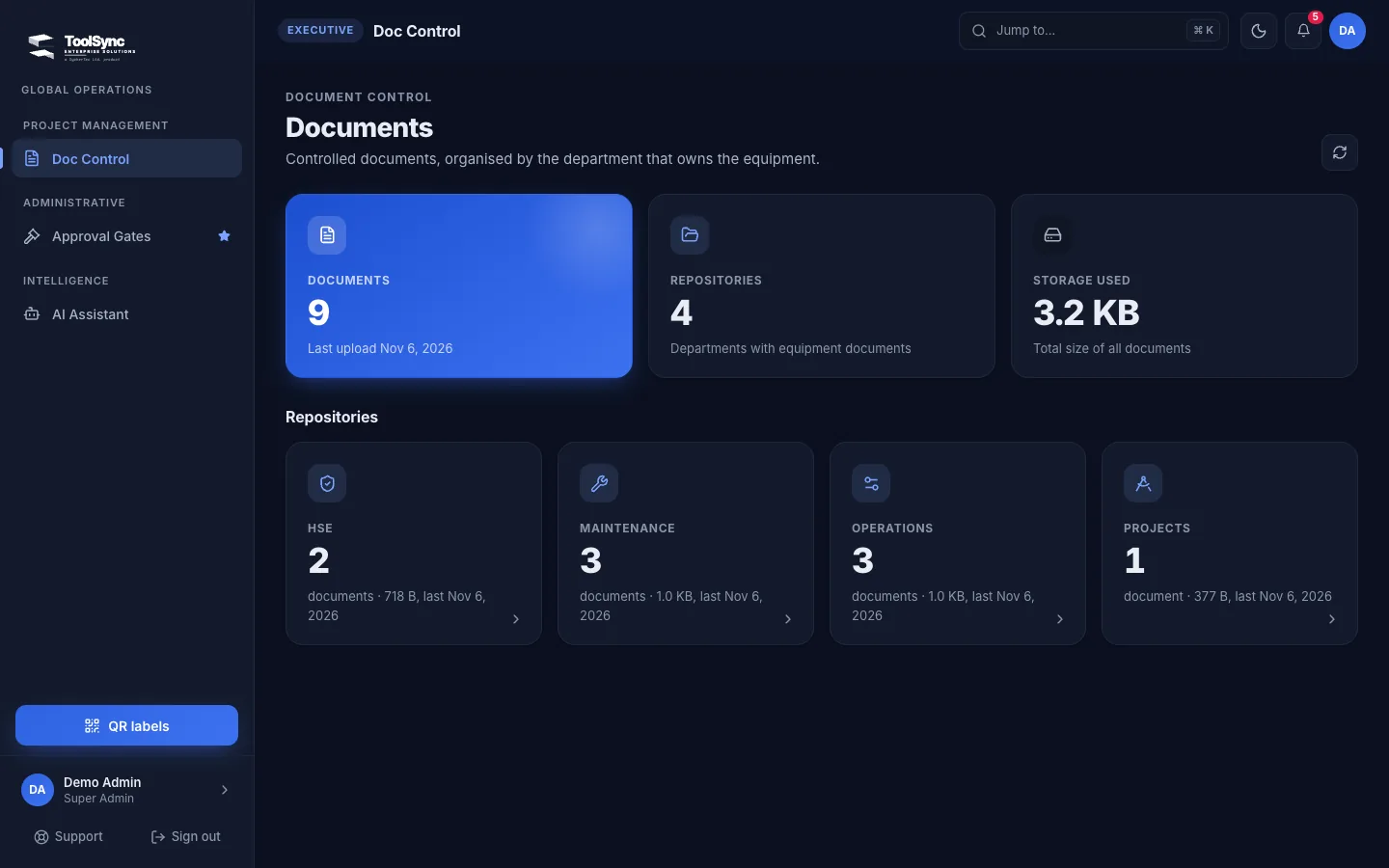
Controlled documents, organised by the department that owns the equipment.
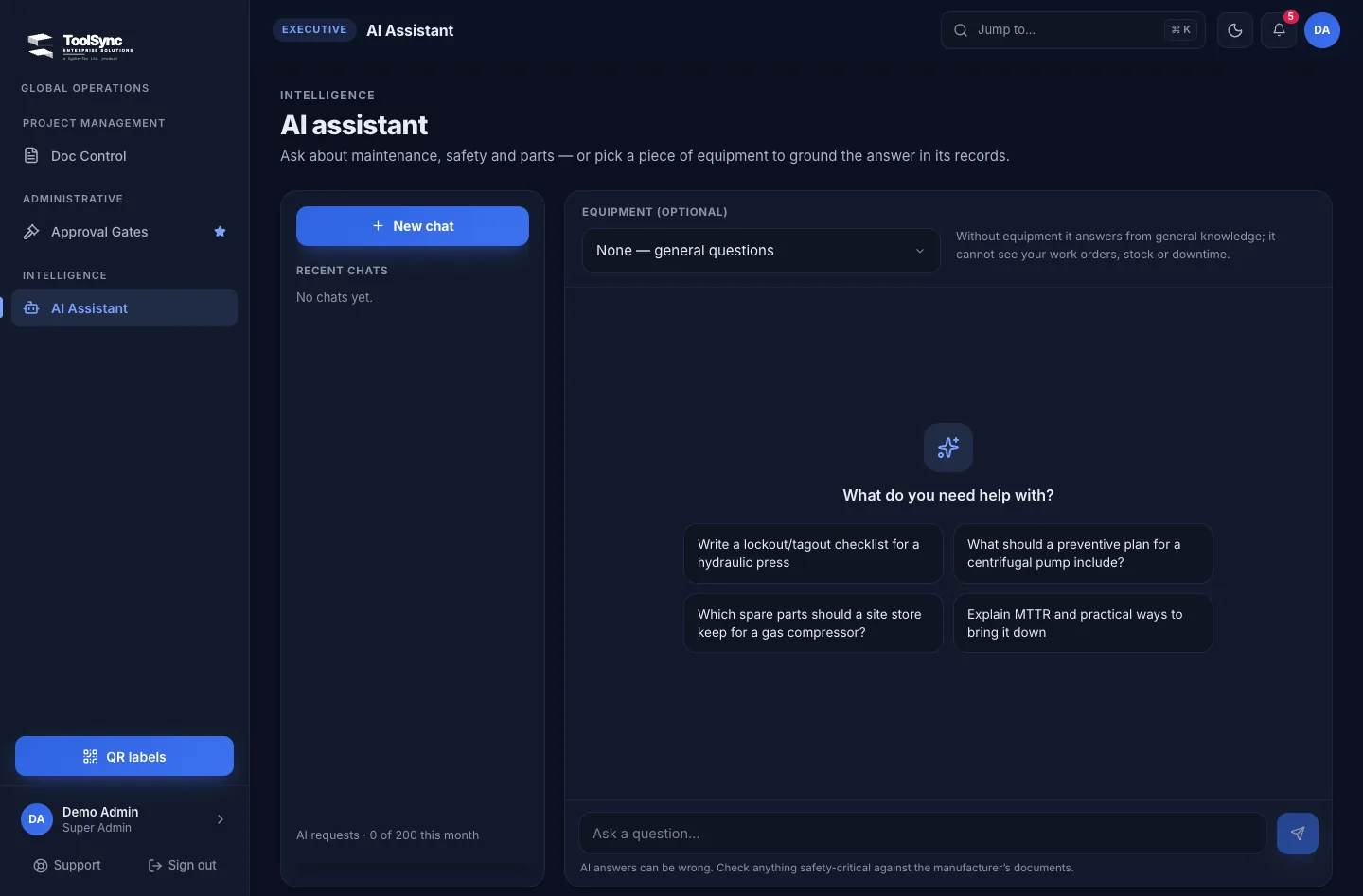
Ask about maintenance, safety and parts, or pick a piece of equipment to ground the answer in its records. It reminds people to check safety-critical steps against the manufacturer.
Cranes, generators, compressors and tools moving between sites, each needing a clean condition and repair history.
A defined site or equipment group where recording work and tracking overdue jobs takes more effort than it should.
Shared equipment histories and traceable jobs, without the weight of an enterprise migration.
We don't ask you to take ToolSync on trust. A pilot runs on one site against your current workflow, with measures you sign off up front. If the case isn't there, we'll say so.
| MEASURE | BASELINE | PROPOSED THRESHOLD |
|---|---|---|
| Median job-recording time | Observed on your current workflow | At least 20% lower, same record requirements |
| Complete job records | Sample of comparable current jobs | At least 95% complete |
| Scheduled work completed on time | Comparable baseline you approve | Agreed improvement, safety checks unchanged |
| Asset import reconciliation | Your source records | 100% of in-scope identifiers reconciled |
| Critical unresolved incidents | Logged during the pilot | Zero at acceptance |
Illustrative targets for discussion — not achieved results or guarantees. Definitions, sample sizes and thresholds are agreed with you.
We map the maintenance scope, the controls you require and the records you hold today.
Equipment identifiers are mapped, sample imports validated, and each record given a single owning system.
A defined equipment group runs on ToolSync with named users and documented support.
Results, total cost and operational risk are compared against your current approach.
Only after acceptance: the agreed scope migrates, reconciled, with a tested rollback plan.
A working session with your maintenance, operations and IT leads. You leave with an agreed workflow, baseline measures and a priced pilot proposal.